Guide
Build and solve a first model
Create a small model, solve it, and inspect a result you can check independently.
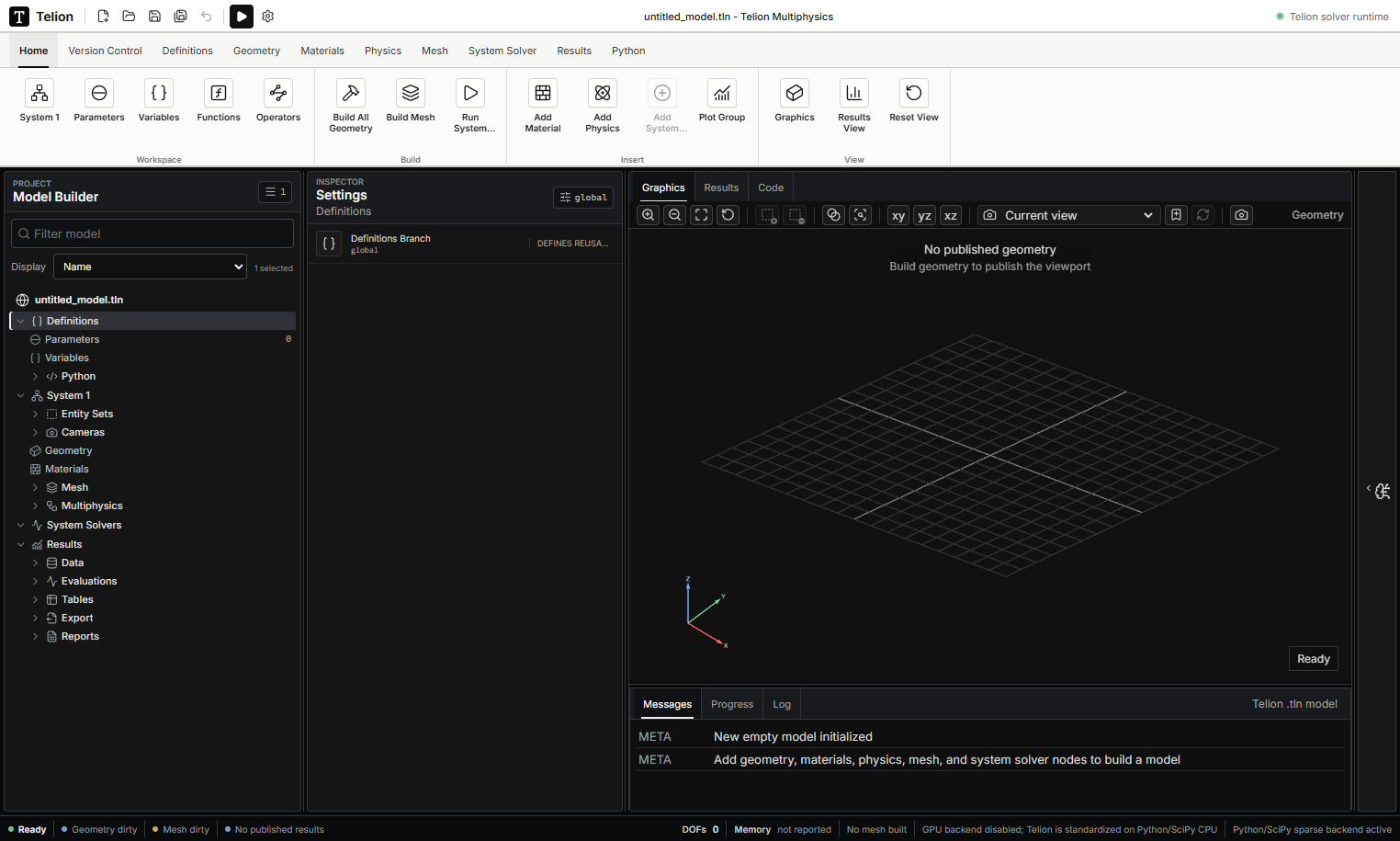
Start with a simple geometry and one physics interface. A small model is easier to inspect and compare with an analytical estimate before adding complexity.
- Create and save a .tln model. Under Definitions, name important dimensions and loads as parameters with units.
- In Geometry, add the required solids, set their dimensions and positions, then choose Build All Geometry. Inspect the shape and entity selections.
- Assign a suitable material to the intended domains. Add the physics interface, required supports or references, and loads or sources.
- In Mesh, keep an enabled volume generator such as Free Tetrahedral, select a moderate resolution, and choose Build Mesh. A Size node alone does not create elements.
- Add a compatible study in System Solver. Review its inputs and run it. Read Messages and Log if it fails.
- In Results, select the completed data, choose a plot expression, and click Plot. Check the quantity and units, then compare with a hand estimate and a finer mesh.
Changing a setting does not refresh an old geometry or result: repeat the relevant build, solve and plot actions. Save the model after the result has been checked.