Guide
Build and solve a first model
Follow the published Geometry to Results workflow using release-declared features.
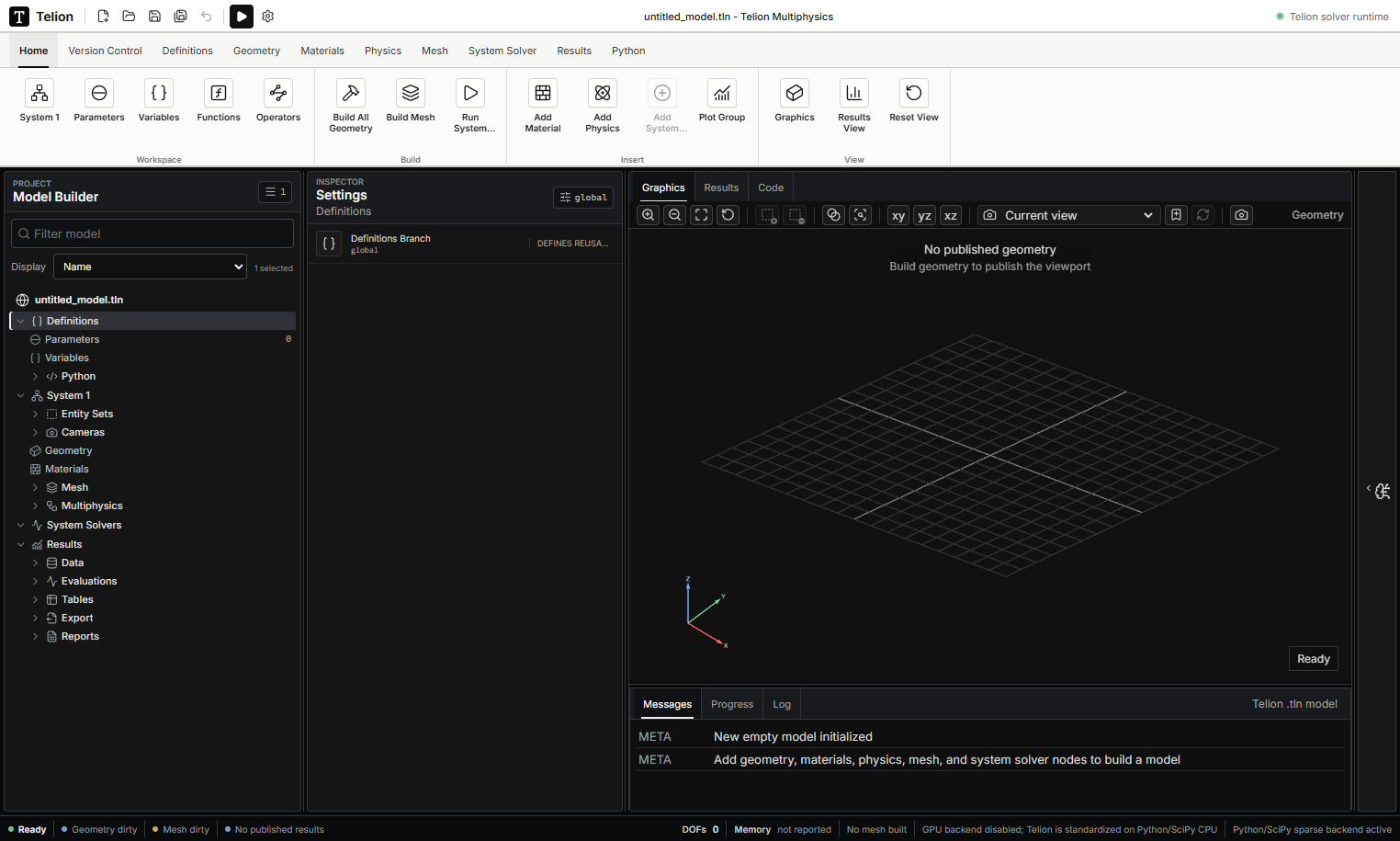
Create parameterized geometry, assign a source-backed material, add a certified physics interface, build the mesh, configure a compatible system solver, run it, and explicitly publish a result plot. Draft edits do not replace the last published viewport until the relevant build or plot action runs.